Section Properties - Mechanical & Civil Engineers2.7
Publisher Description

Section Properties calculates area moment of inertia, section modulus, radius of gyration, extreme point and area for the follow sections:
Square at Center
Square Rotated 90 degrees
Square at Edge
Square Tube at Center
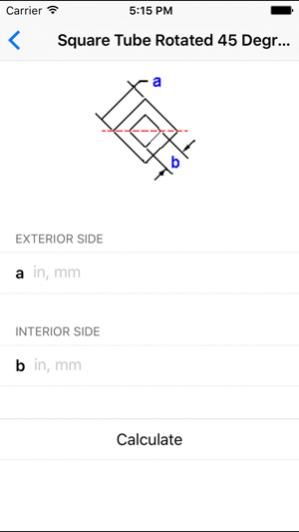
Square Tube Rotated 45 Degrees
Rectangle at Center
Rectangle at Edge
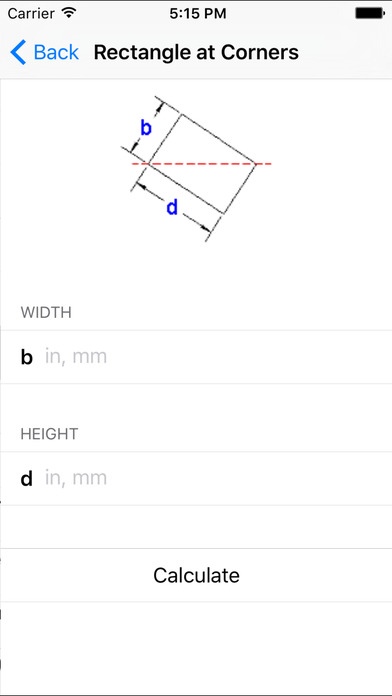
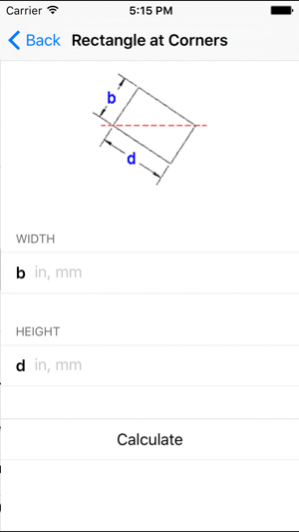
Rectangle at Corners
Rectangle at a specified Angle
Rectangle Tube at Center
Solid Round at Center
Tube/Pipe at Center
Half Round at Center
Half Tube/Pipe at Center
Hexagon at Center
Hexagon at Corners
Octagon at Center
Triangle at Center
Triangle at Edge
Trapezoid at Center
The app also calculates the Mass Moment of Inertia for the following objects:
Hollow Shaft Cylinder
Rectangular Plane
Rectangular Plate at Edge
Solid Shaft Cylinder
Solid Sphere
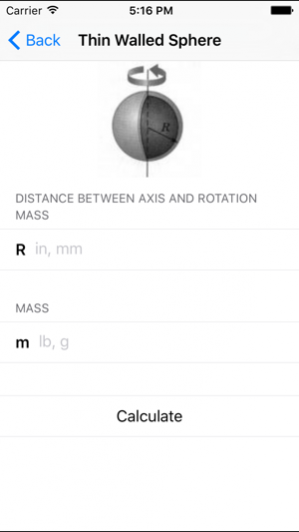
Thin Walled Sphere
Thin Walled Cylinder
Please send us any comments, suggestions or questions through our website.
May 26, 2017 Version 2.7
- Minor updates
About Section Properties - Mechanical & Civil Engineers
The company that develops Section Properties - Mechanical & Civil Engineers is FPC Ltd.. The latest version released by its developer is 2.7.
To install Section Properties - Mechanical & Civil Engineers on your iOS device, just click the green Continue To App button above to start the installation process. The app is listed on our website since 2017-05-26 and was downloaded 12 times. We have already checked if the download link is safe, however for your own protection we recommend that you scan the downloaded app with your antivirus. Your antivirus may detect the Section Properties - Mechanical & Civil Engineers as malware if the download link is broken.
How to install Section Properties - Mechanical & Civil Engineers on your iOS device:
- Click on the Continue To App button on our website. This will redirect you to the App Store.
- Once the Section Properties - Mechanical & Civil Engineers is shown in the iTunes listing of your iOS device, you can start its download and installation. Tap on the GET button to the right of the app to start downloading it.
- If you are not logged-in the iOS appstore app, you'll be prompted for your your Apple ID and/or password.
- After Section Properties - Mechanical & Civil Engineers is downloaded, you'll see an INSTALL button to the right. Tap on it to start the actual installation of the iOS app.
- Once installation is finished you can tap on the OPEN button to start it. Its icon will also be added to your device home screen.
Program Details
System requirements
Download information
Pricing
Version History
version 2.7
posted on 2017-05-26
May 26, 2017 Version 2.7
- Minor updates
